

Chase the Summit posted a short side-by-side of the Fenix 9 Pro and Fenix 8 Pro maps after comments on his first Chamonix hands-on said the maps did not look that much snappier. Garmin’s press release says the new map engine enables panning up to 30% faster and round-trip route calculation 40% faster than the Fenix 8 Pro. In his video, the Fenix 9 Pro maps are noticeably faster.
He filmed it in Chamonix with a 47 mm Fenix 9 Pro next to the Fenix 8 Pro he has been wearing. One caveat for his review: the 9 Pro has Europe maps loaded, and the 8 Pro still has USA maps, because the internet there was too slow to download Europe maps onto the older watch. He still thinks it is a fair look at rendering, panning, and zoom.
On the Fenix 8 Pro, with TopoActive maps and the popularity and trendline layers turned on, zoom “chunks” into a location. When he pans, tiles take a moment to catch up, and the contour shading is “pretty hit or miss” and “kind of glitchy.” The maps are usable when you are actually moving through an activity, but if you need to pan around, “it is kind of a tough process.”
On the Fenix 9 Pro, zoom uses a slow easing animation that is “way smoother” than the 8 Pro. Tiles around his location are preloaded, so they are not rendering from scratch on every scroll. That is the caching the new engine is supposed to do, and it reads on camera.
This is a much easier map to use, and it is kind of a night and day difference.
He is careful about how far that goes. It is not Google Maps on a phone, and tiles still load if you zoom out far enough for the shading to kick in. Even then, “this is loading significantly quicker than on the Fenix 8, and the overall experience is just much more usable.” There is a lot of trail detail around Mont Blanc — switchbacks, points of interest, contour lines — and it stays glanceable while he pans.
If you use maps a lot, he says this feature alone might be enough to justify the Fenix 9 Pro. That is part of why I still think the Fenix 9 is a excellent update.
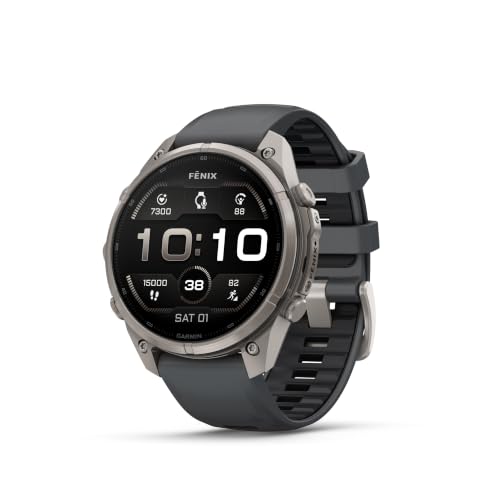

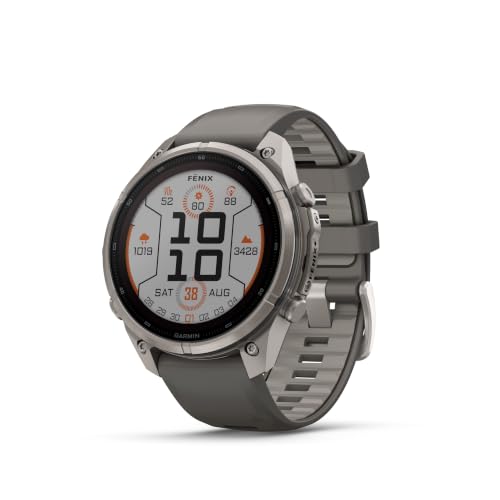


In my case it ended up being a huge disappointment upgrading from the Fenix 8. There were no real benefits to be found for me personally, if we look beyond the “I got the latest & Greatest” feeling. Time to move on…..
Hi, i can’t confirmed your title based on this video and the other already availables.
Fenix 9 Pro and Map app, or Activity Screen, is not AMAZING at all.
Sometimes it’s a bit better than F8 but sometimes F8 is more quick to refresh/draw …
For the moment the benchmark for Fenix 9 Pro and Fenix 9 Pro IR give the same results like Fenix 8 and Fenix 7 …
link to benchmark.wristtale.com – Devices : 006-B4953-00 and 006-B4956-00
To be honest the epix pro maps seem faster than the Fenix 8 there
none of these new features will help me train harder or longer unfortunately. Nor will they give me anything more in the mountains as far as battery life etc. That’s how I evaluate updating or not
Hi, thanks for the test. The speed-up looks considerable, especially the smoother zoom and the tiles preloading around your position. I’m still on a fēnix 7X Pro where I use free OSM-based maps (from https://luckymaps.ch). They cover most countries and include hiking trails, cycle paths and contour layers. I’d be curious how third-party OSM maps like these run on the fēnix 9 with the new map engine.