

Garmin has released stable System Software 20.29 for the Fenix 8, Fenix 8 Pro, Fenix 8 Solar, Enduro 3, Fenix E, and Tactix 8 watch models. This stable update provides a few fixes.
Below is a timeline of all Fenix 8 Updates:
For all Fenix 8 updates, see our software updates page.
Change Log
- Fixed a potential crash saving Dive activities on Tactix 8.
- Fixed a potential issue with the airport list, on compatible models.
- Fixed an issue where the Contacts button was missing its label on Solar models.
How to Update to Stable Version 20.29
You can manually download the update from your device by navigating to: Main Menu > Settings > System > Software Update > Check For Updates.
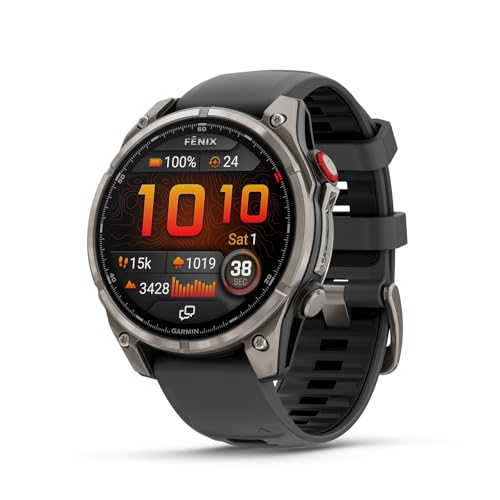
Garmin Fenix 8 Pro AMOLED (47mm)
47mm Pro model with LTE + two-way satellite messaging, 1.4-inch AMOLED display, titanium bezel, sapphire lens, dive support, and full multisport + mapping features.
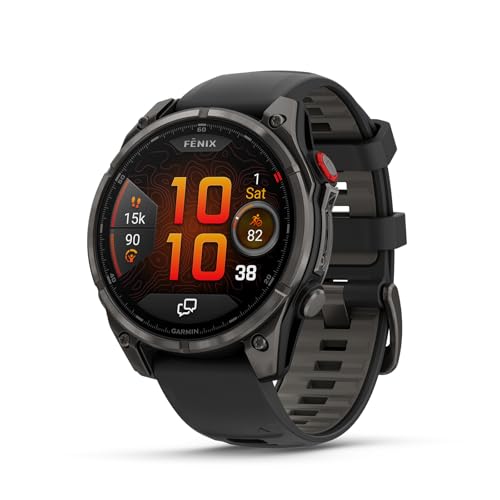
Garmin Fenix 8 Pro AMOLED (51mm)
51mm Pro model with larger battery, LTE + satellite connectivity, 1.4-inch AMOLED display, titanium bezel, sapphire lens, and advanced training + navigation tools.


Stable? My ass. Every single time I reboot the watch, it completely reinstalls the OS. I’ve tried manually reinstalling it, same thing.
I get the same issue, but it had this issue before the update.
You are right. I went back to 20.24, same issue. I was on 20.19 before I updated to 20.29. I went back to 20.19 now.
How did you downgrade? I’m having issues with 20.29 as well.